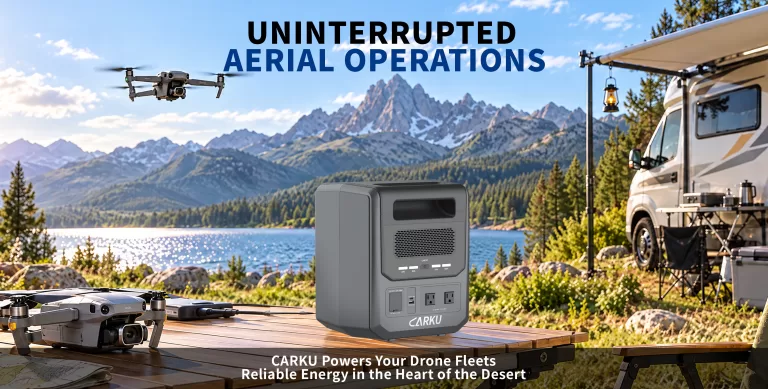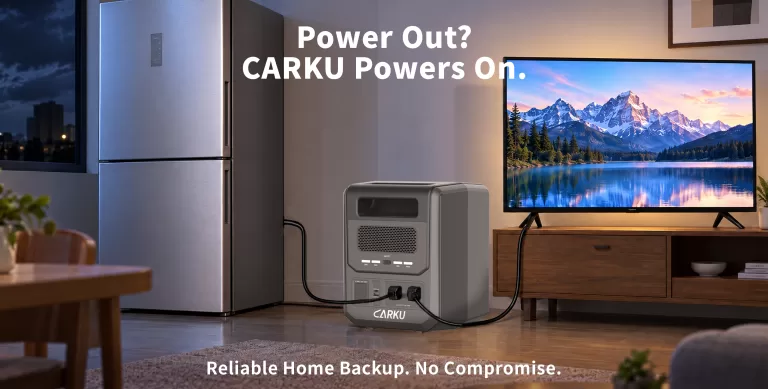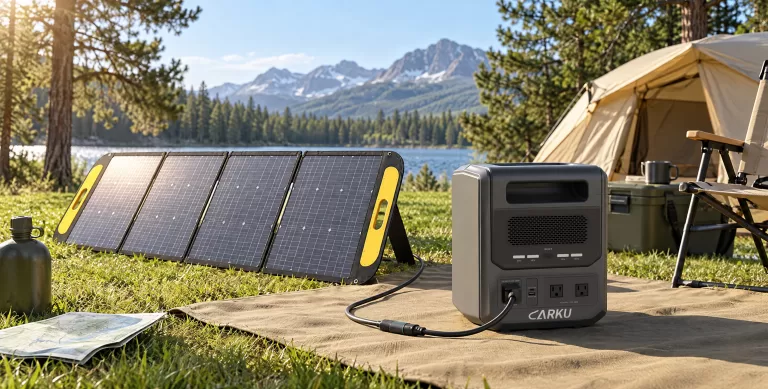



A portable power station for drone charging can support fieldwork when outlets are unavailable. Before packing, plan around three questions: how much energy your shoot needs, whether the station can run your chargers, and whether your battery rotation can keep pace with the flights.
Do these checks before you leave. They help you build the charging setup around the shoot instead of stopping work to solve a power problem.
How Much Portable Power Do You Need for a Field Shoot?
You need enough stored energy for the battery recharges on site, plus controllers, phones, and other gear that share the power. Keep capacity in watt-hours (Wh) separate from output in watts (W). Capacity is your energy store. Output is the most power the station can give at one time. A high output rating alone does not mean a long charge time.
Start with the shoot plan, not the station size. List the flights you expect, the batteries you will bring, and the recharges needed between jobs. Treat batteries charged before you leave as part of your starting stock, not energy the station must replace right away.
Build a simple field-power sheet:
- Flight batteries: Write the model, count, and expected on-site recharges.
- Charging gear: List each drone battery charger, its input needs, and its charge setup.
- Support gear: Add controller top-ups, phones, monitors, or laptop use.
- Schedule: Mark the busiest flight block and the longest break for charging.
- Reserve: Save energy for one extra flight or a longer job.
This keeps the portable energy source tied to the real job, not a guess.
How Do You Turn Your Recharge List into an Energy Budget?
Once you know what needs charging, turn the list into an energy budget for the shoot.
For a better estimate, test the energy your charging setup uses during a normal recharge. Note the battery’s start level and use the same charger and cable you will use on the shoot. Repeat the test so one short top-up does not shape your plan.
| Planned use | Assumed energy need |
| Six battery recharges at 45 Wh each, measured at the charger input | 270 Wh |
| Controller, phone, and other loads | 60 Wh |
| Total energy sent to gear | 330 Wh |
Here is a made-up example, not a spec for any drone.
Some power is lost in the station, so not all of its rated capacity reaches your devices. CARKU uses an 85% usable-energy factor in one runtime guide, while noting that it is only an estimate, not a fixed efficiency rating. Use model tests when you can.ecoflow
With that sample factor, 330 Wh ÷ 0.85 needs about 388 Wh of rated capacity. Add a 20% reserve and the target is about 466 Wh. A 500 Wh station would meet this sample goal, but it still needs to pass the output and charge-time checks below.
Can the Station Run One or Two Drone Chargers?
Before checking how long the station can run, confirm that it can support the charging setup you plan to use.
Check each charger’s input requirements, then add the load of any controller, phone, laptop, or other device that will run at the same time. A station that supports one charger may not support two chargers plus support gear.
Start with the checklist below to assess your charging setup:
| Item to check | What to confirm |
| One charger | Its input voltage, frequency, and power requirement |
| Two chargers | Whether their combined demand stays within the station’s output limits |
| Support gear | Whether the total load still fits the planned connection |
| Station | Its continuous output, port limits, and shared-output behavior |
For the CARKU PB-102, compare each charger and device against the specifications of the exact model you plan to use. Do not assume that a port is available or that two chargers can run together without checking the output limits.
Will Your Drone Battery Charger Work with the Station?
Your charger will work only if the station gives the power and connection that charger or hub needs. Check the whole chain: station, adapter, cable, hub, and battery. Do not assume that a plug that fits will support the charge mode you want. CARKU PB-102, for example, uses different charge setups with its adapter and USB-C chargers.
For your portable power supply, check:
- AC fit: Match the charger’s input needs and check the station’s continuous AC rating.
- USB-C fit: Confirm the charge protocol and output shape, not just the plug.
- Shared-port behavior: Check what happens when another device is plugged in; CARKU says shared adapter use can slow charging.
- Approved gear: Follow the maker’s guide for approved chargers and hubs.
Test the full setup with every planned device connected. Record charging progress and the station’s load, then repeat the test with support gear added.
Can Your Battery Rotation Keep Up with Your Flights?
Battery rotation may not be your first consideration when choosing a portable power station, but it is still worth planning. It connects your charging setup to the pace of the shoot.
Battery rotation is where capacity planning meets the pace of the shoot.
Energy storage and charge speed are different planning problems. Do not assume a three-slot hub charges three batteries at once:
Label batteries and track four states: ready, in flight, cooling, and charging. Plan around the next battery becoming ready, not just the number in the hub. Schedule interviews, ground shots, or location moves around charge windows when you can.
| Battery state | What it means for the shoot |
| Ready | Fully charged and available for the next flight |
| In flight | Currently powering the drone |
| Cooling | Waiting before it can safely enter the next charging step |
| Charging | Connected to the charger and not yet ready |
If your trial run cannot turn batteries around fast enough, change the workflow. Bring more charged packs, allow longer breaks, or look for a maker-approved faster charging setup before you add more station capacity.
Is a 2kWh Power Station Enough for a Full Day of Drone Work?
A 2kWh power station can be a useful reference point for a field-power budget, but it does not automatically mean it is enough for a full day of drone work.
Start with the energy budget from your recharge list. Then compare it with the station’s usable energy, the chargers you plan to run, and the support gear that shares the power. A 2kWh station may cover one setup, while another setup may need more capacity because of longer charge windows, additional chargers, or extra equipment.
For the CARKU PB-102, use the 2kWh version as the basis for your planning only if that is the model you are considering. Check its continuous output, port limits, and available charging options against your charger and device combination before relying on it for fieldwork.
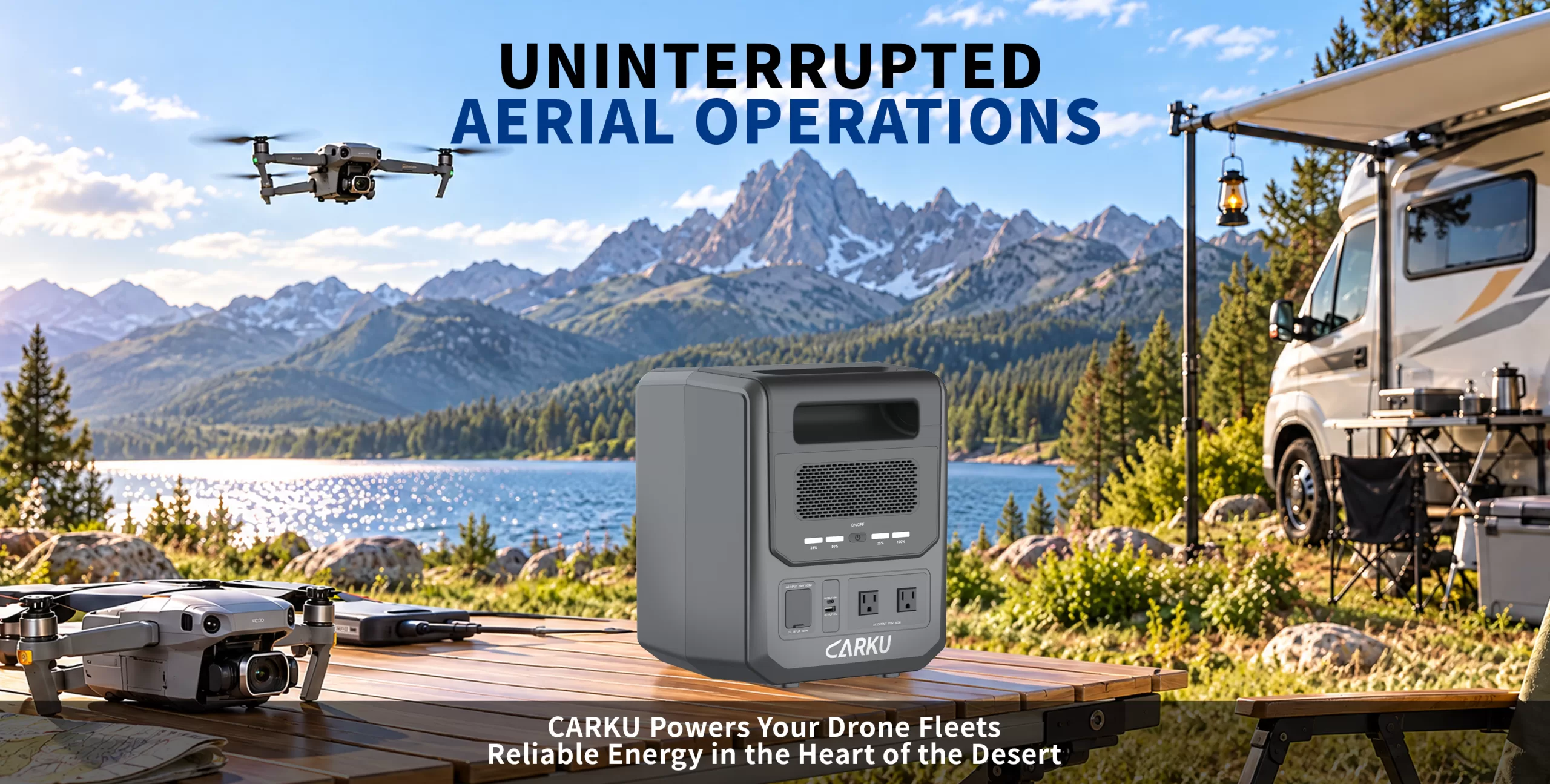 CARKU Powers Your Drone Fleets
What Should You Check Before Charging Drone Batteries Outdoors?
Make temperature checks part of battery rotation. CARKU says to let batteries cool near room temperature before charging and to check for damage or swelling when you troubleshoot charge problems. Follow your battery model’s charge limits, and stop using damaged or swollen packs.
Choose an outdoor power station by its listed work limits and weather limits, not by its name. Add weather cover, clear airflow, stable placement, and safe cable routes to your setup list. Follow the station and charger manuals instead of building a quick cover on the fly.
How Do You Pack for the Next Flight, Not Just the First?
A compact power station earns its place when your tested setup meets both the energy budget and the pace of the shoot.
Before you leave, charge your starting batteries, pack the checked cables, and assign someone to watch battery status. Your drone charging station should make the next flight easy to plan, not add one more job.
FAQ
1. Can the CARKU PB-102 charge drone batteries?
The CARKU PB-102 may be suitable for drone battery charging if your charger’s input requirements, connection type, and charging mode match the specifications of your PB-102 model. Check the charger, adapter, cable, hub, and battery as one setup before connecting it.
2. Can I run two drone chargers at the same time?
You may be able to run two chargers at the same time, but only if their combined power demand and connection requirements stay within the station’s output limits. Add the load of any controller, phone, laptop, or other device that will run at the same time.
3. Is a 2kWh power station enough for a full day of drone work?
It depends on your recharge list, charger setup, support gear, and battery rotation. A 2kWh station can support a planned budget, but it does not automatically cover every full-day job.
4. How Many Drone Battery Recharges Can You Expect from a Portable Power Station?
It depends on the battery’s energy, its starting charge, the charger’s efficiency, and the other devices sharing the power. Test your actual setup or use a clearly labeled estimate based on your planned recharges.
5. Can I recharge the power station during fieldwork?
You may be able to recharge it during fieldwork if you have a compatible power source and the station supports the charging method you plan to use.